
Download the launcher from Mojang or Microsoft, then stop looking.
The Minecraft Launcher installer is free. The games inside it are not. If a page asks you to complete surveys, run a “downloader booster,” or disable SmartScreen to get Minecraft, leave.
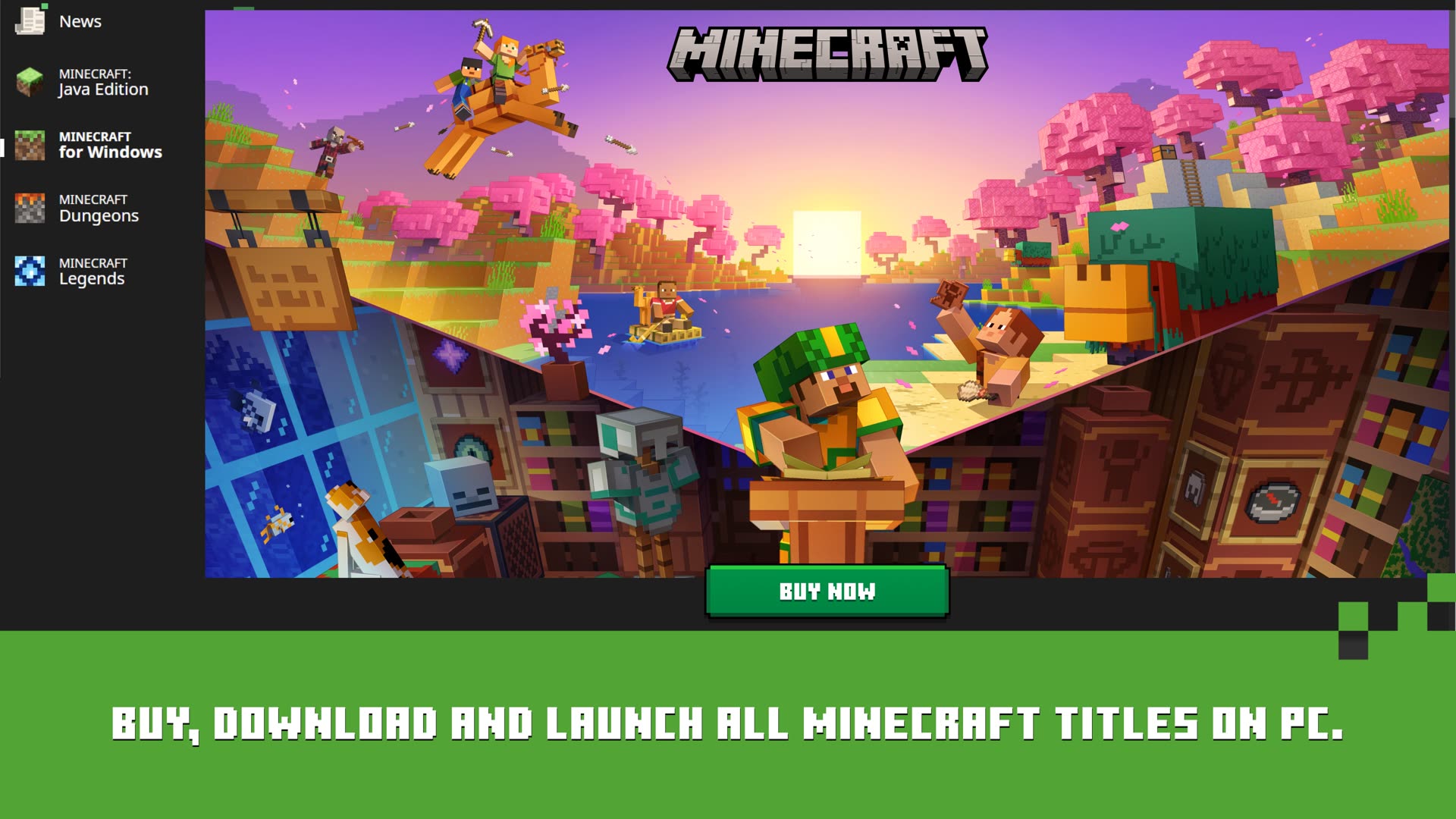
Windows 10 and 11
Two official lanes exist, and they are easy to mix up.
- Microsoft Store / Xbox app — search Minecraft Launcher, publisher Microsoft Studios / Mojang. This is the current “Minecraft Launcher for Windows.” Microsoft’s Store copy says it is for Windows 10 and 11, and that it is not supported on Windows 10 in S mode or on ARM devices. If Play is greyed out on a Snapdragon laptop, that listing is why.
- Website installer — the green download control on minecraft.net/en-us/download. Use this when Store installs hang, when you are on a managed PC that blocks Store, or when you still need the older unified launcher path Mojang documents for reinstalls.
Store app and Win32 launcher are not twins
Command-line flags such as --workDir apply to the older unified Win32 launcher, not the Store package. If a portable-install blog tells you to point MinecraftLauncher.exe at a USB stick, check which binary you actually installed. The Minecraft Wiki keeps that distinction explicit.
macOS
Use the macOS download on the same Mojang page. You get Java Edition. Bedrock for Mac is not an official desktop product. After the .dmg mounts, drag the app to Applications, then sign in with the Microsoft account that owns Java Edition.
Linux
Mojang still ships a Debian package and a generic archive from the download page. Debian, Ubuntu, and Mint users typically install the .deb. Arch users usually take the AUR package minecraft-launcher. Other distributions unpack the tarball. First launch still needs a Microsoft account and a Java Edition license. Details live on the Linux guide.
What about Softonic and similar catalogues?
Softonic’s Minecraft Launcher listing is a third-party software catalogue. It can be useful to read version notes or screenshots. It is not Mojang’s CDN. Extra setup offers, delayed redirects, and bundled helpers are why this site sends you to minecraft.net and the Microsoft Store instead. If you already downloaded from a catalogue, compare file origin with Mojang’s page before you sign in.
Before you click Play
- You need a Microsoft account. Mojang accounts stopped working in the launcher on 10 March 2022.
- Owning Bedrock on a phone does not automatically give you Java Edition on a PC.
- Xbox Game Pass for PC can include the Java & Bedrock PC bundle; the launcher still has to be installed and signed in with the same account that holds the pass.
- The launcher can look “installed” while the game editions are not. Play is what downloads Java or Bedrock.
Next: install and first launch or Windows-only notes.