
Install the launcher, then let it fetch the game.
Most “I installed Minecraft and nothing happens” reports are a finished launcher and an edition that has not downloaded yet. Sign-in and the first Play click are the real install.
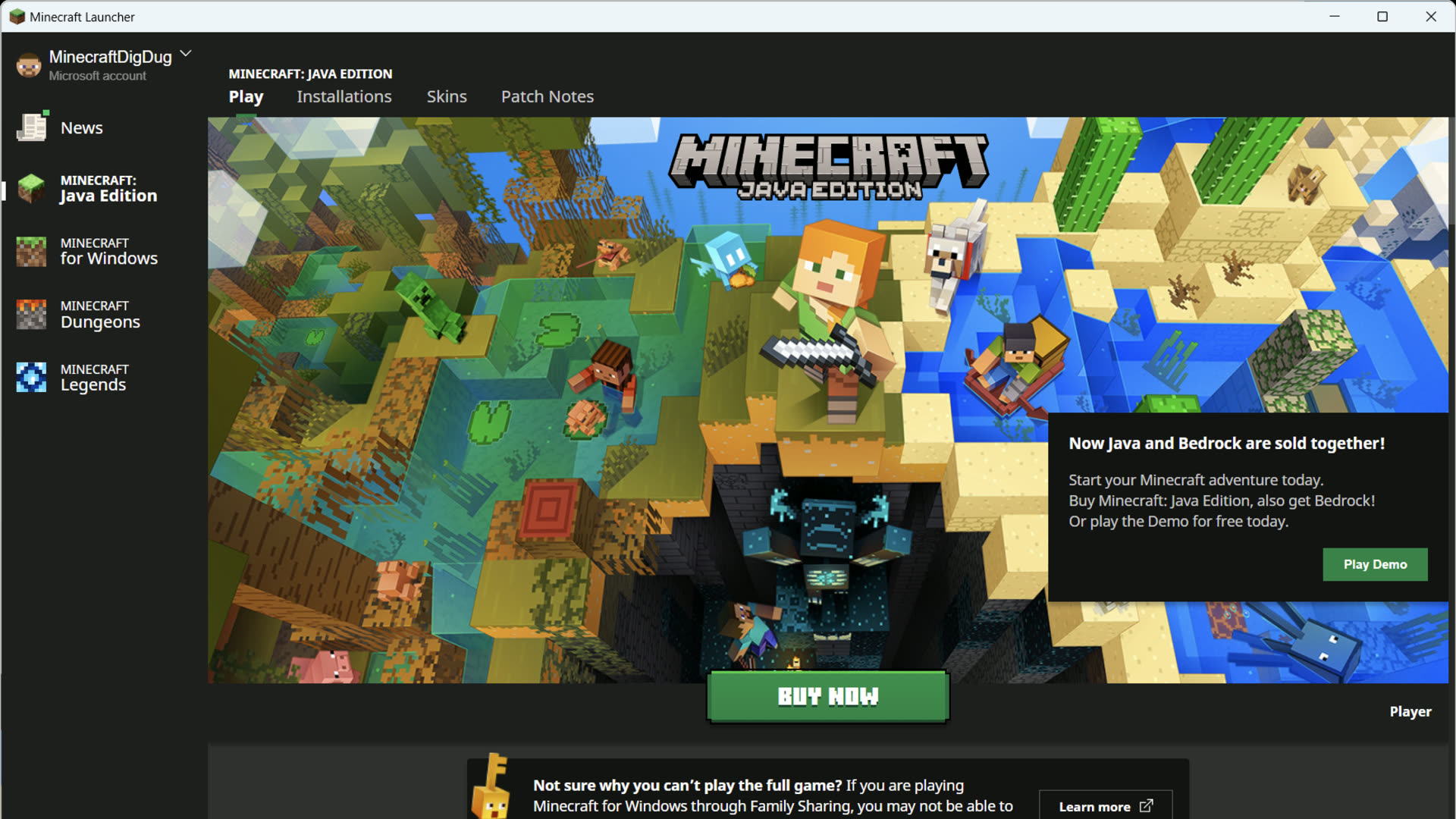
Get the official binary
Use the download map. Do not run a renamed .exe from a Discord link.
Sign in with Microsoft
The first screen is an Xbox / Microsoft login. Create an account if you need one. There is no Mojang password field anymore.
Pick the game in the left rail
Java Edition, Bedrock Edition, Dungeons, or Legends. On macOS and Linux, Bedrock will say it is not playable on this device.
Press Play and wait
The first Java Edition launch downloads the game, assets, and a bundled Java runtime. A large pause at a few megabytes is common. A hard fail is not — see failed download.
If you still have the old unified launcher
Mojang’s help article on uninstalling the old Minecraft Unified Launcher is for Windows 10 and newer. In Settings → Apps, the old entry shows Mojang under the name. The new Store launcher is a different package. Uninstall the duplicate only after you know which one still launches. Mod folders may need to be copied; the Wiki warns that launcher mods are not always portable between the two.
Demo, owned, or Game Pass
If the account does not own Java Edition, Play becomes a purchase button. Bedrock on Windows can offer a demo via Microsoft Store. Game Pass entitlements sometimes take a few minutes to appear after sign-in. Signing out of Store and Xbox, then back into both with the same account, is the fix Microsoft Q&A repeats — not a second launcher install.
Where files land
Java Edition’s working directory defaults to %appdata%\.minecraft on Windows, ~/Library/Application Support/minecraft on macOS, and ~/.minecraft on Linux. That folder holds worlds, packs, logs, and loader mods. Deleting it to “repair” the launcher also deletes saves. Use a separate game directory for modpacks instead.